

Enterprise AI Agents: Practical Automation for Engineering, Knowledge Work and Security
Enterprise software teams rarely struggle because they lack tools.
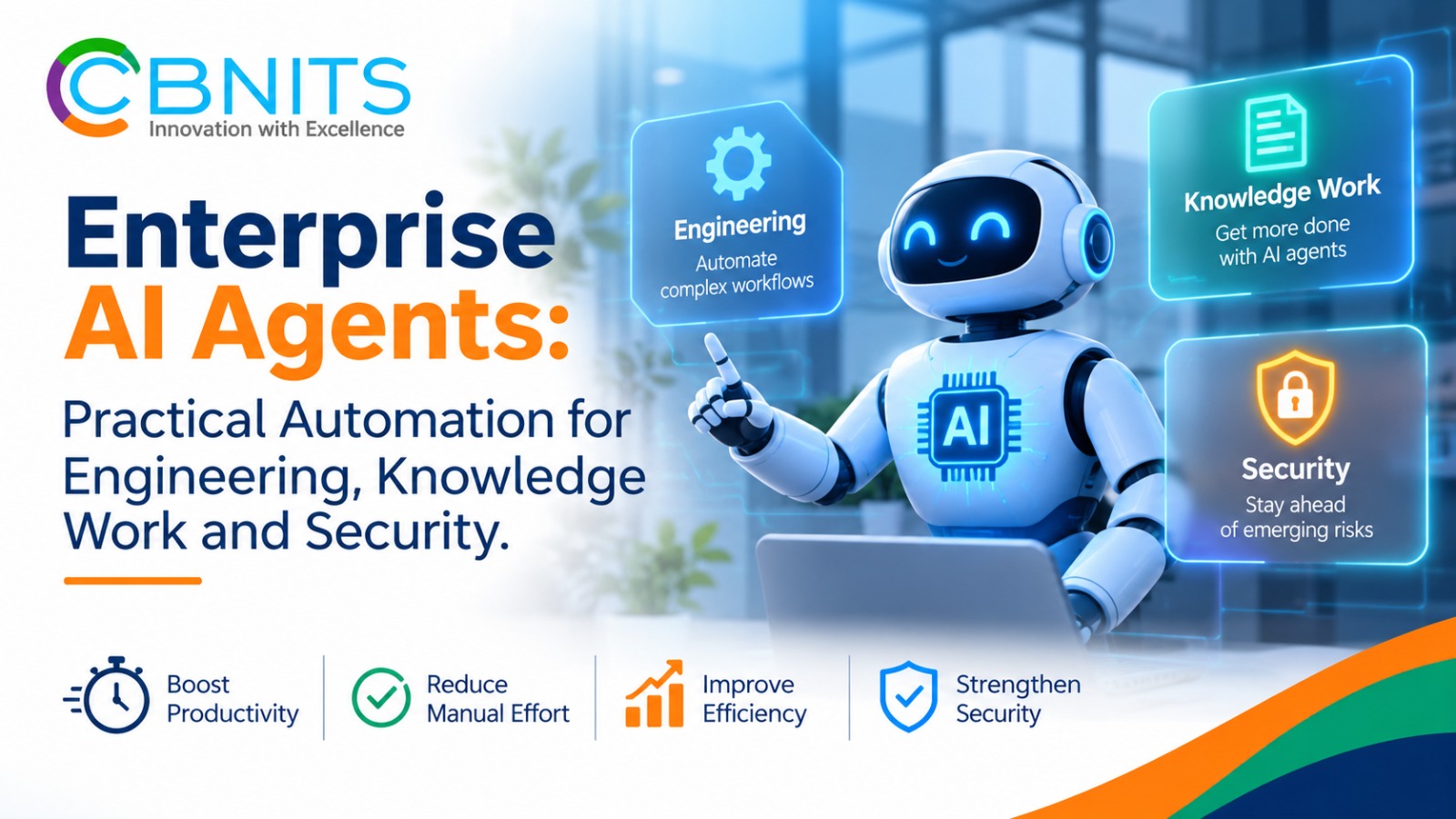
Enterprise software teams rarely struggle because they lack tools. They struggle because context is spread across them: code changes live in GitHub, requirements sit in Confluence, work items move through Jira, customer feedback arrives in reviews, and operational signals accumulate in logs and security systems. A conventional chatbot can explain information. Enterprise AI agents can go a step further: retrieve relevant context, use approved tools and complete a defined task across a workflow.
The CBNITS videos shared for this article demonstrate that shift across software engineering, project delivery, knowledge management, customer feedback, IT operations and cybersecurity. The examples include pull-request review, feedback analysis, Jira ticket creation and sprint reporting, Confluence knowledge retrieval, meeting-to-document workflows, a terminal assistant, incident reporting and recovery, and security operations. The common thread is task-specific automation—not one general-purpose bot expected to do everything.
Unique YouTube videos reviewed:
AI-Powered Pull Request Review Workflow | Intelligent Code Reviews Made Simple
CBNITS AI Feedback Analyzer | Turn Reviews into Insights
CBNITS Launches Jira Ticket Creation Agent | From AI Assistants to AI Agents
AI PR Reviewer with Smart Code Comments | GitHub Demo
Build a Confluence AI Assistant Using RAG & AI Agents | End-to-End Workflow
AI Confluence Assistant | Turn Meeting Transcripts into Documentation with AI Agents (RAG Workflow)
AI-Powered Incident Recovery System | Automated Runbooks, Faster Resolution & Reduced Downtime
Meet clent: The AI Terminal Assistant That Actually Gets Work Done
Agentic AI in Cybersecurity: How SOC Teams Beat Alert Fatigue & Detect Threats Faster
AI Incident Reporter Agent | Detect Production Failures Before Your Customers Do
CBNITS internal-link map used in the article
For organizations evaluating this approach, CBNITS Agentic AI Development & Automation is the relevant service area: it covers multi-agent system design, custom generative AI, workflow automation, decision engines and integration with existing enterprise systems.
How enterprise AI agents move from answers to actions
An enterprise agent usually works through a sequence. A trigger or user request defines the task. The agent gathers context from approved sources, interprets what is needed, uses connected tools to prepare or perform an action, and returns a structured result. In the examples here, the trigger might be a GitHub pull request, a request to draft a Jira ticket, an uploaded meeting transcript or a change in service logs.
This distinction matters because useful automation depends on more than the language model. The agent must have access to the right data, understand the task, interact with systems reliably and produce an output people can verify. For knowledge assistants, retrieval-augmented generation (RAG) adds a retrieval step: the system finds relevant information from an approved knowledge base and uses that context when forming an answer. The quality of the result therefore depends on the relevance, freshness and permissions of the underlying content.
Where enterprise AI agents can support day-to-day operations
1. Review code changes before they reach production
Code review is essential, but reviewing every change manually can slow delivery and make it harder to apply the same level of scrutiny across a busy development pipeline. The CBNITS pull-request reviewer demos show an agent connected to GitHub through a webhook. When code is pushed or a pull request is reopened, the workflow sends the relevant pull-request context for analysis and produces a report for the development team.
The report is designed to identify the affected code and the specific lines that may fail or introduce a vulnerability, explain why the issue matters and recommend a correction. CBNITS’s accompanying description highlights checks such as hard-coded credentials and SQL injection. This is closely related to Platform Engineering and application security testing, which covers SAST, DAST, software composition analysis, secure-by-design practices and ongoing vulnerability management.
The practical value is earlier, more actionable feedback inside the existing pull-request process. An AI reviewer should still be treated as a first-pass control: developers need to validate findings, consider architectural and business context, and retain human responsibility for approval and merging.
2. Turn requirements and sprint context into Jira work
A well-written Jira ticket needs more than a title. It should carry enough context for a developer to understand the requirement, expected behaviour and acceptance conditions. CBNITS describes a Jira ticket-creation agent that reads relevant information from Confluence, accepts additional user input, extracts requirements and prepares a structured ticket with a summary, detailed description, acceptance criteria and technical notes.
A related Jira Sprint Analyzer example focuses on delivery visibility rather than ticket drafting. It tracks sprint progress, examines Jira metrics and team engagement, and generates sprint reports. Together, these workflows address two common sources of friction: the effort required to translate discussions into trackable work, and the effort required to interpret sprint information for planning and delivery conversations.
In its Jira workflow demonstration, CBNITS says a documentation task that previously took about 15 minutes could be completed in seconds. That is a result reported for the demonstrated task, not a universal time-saving guarantee; actual results depend on the quality of the source material, the workflow and the review required. These use cases are examples of AI-driven workflow automation and enterprise agent integration.
3. Make Confluence knowledge easier to find and maintain
Enterprise knowledge becomes difficult to use when teams have to search through long pages, old project notes and disconnected documents to answer routine questions. A Confluence RAG assistant addresses that problem by retrieving relevant documentation as context for a user’s question. CBNITS’s Confluence Assistant is described as retrieving contextual knowledge, answering queries and managing pages, rather than relying only on a model’s general training.
The meeting-transcript workflow adds another step. A user attaches a transcript and asks the agent to create a Confluence page. The demonstrated process extracts the meaning of the discussion, summarizes the notes and organizes decisions, action items and reminders into a page that the team can revisit. Instead of leaving important context in a meeting recording or an unstructured transcript, the workflow turns it into a reusable project record.
The CBNITS agent portfolio includes the Confluence Assistant and Meeting Intelligence examples. For a production deployment, teams should also decide how the assistant will respect page permissions, handle outdated material and indicate which source documents support an answer.
4. Convert customer reviews into useful feedback signals
Customer reviews often contain useful product and service feedback, but the information is distributed across individual comments and can be difficult to assess consistently. CBNITS’s AI Feedback Analyzer video is framed around turning reviews into insights. The value proposition is straightforward: use AI to help teams make sense of written feedback so it can inform product, service and customer-experience decisions.
The public video title establishes the review-to-insight use case; it does not specify a particular sentiment score, category taxonomy or reporting format. Those details should be set against the business question being answered. Where the work requires reliable data pipelines and an analytics layer to make fragmented information usable, CBNITS’s Data Analytics & Data Engineering services are the closest service match.
5. Bring routine system tasks into a terminal-based assistant
The clent terminal-assistant demonstration explores a different interaction model: instead of switching between terminal commands, dashboards and separate applications, a user gives the assistant a natural-language task. The CBNITS description identifies LangGraph and the Model Context Protocol (MCP) as part of its agent architecture.
In the demonstrated workflow, the assistant can inspect system health information such as CPU and memory usage, disk and network details, uptime and resource-intensive processes. It can interact with the Windows shell through PowerShell, break work into smaller steps and request confirmation before potentially risky operations. The video transcript also describes local session storage and a Gmail integration that requires the user to authenticate before the assistant can search, read or send email.
This is a useful illustration of tool-connected AI: the assistant does not stop at suggesting a command; it can work with approved system tools. The demonstration is a specific terminal-assistant example, however, and should not be read as a statement that every capability is a separately packaged CBNITS service. For any comparable deployment, command permissions, identity checks, logging and approval boundaries need to be designed deliberately.
6. Detect incidents and make recovery more repeatable
Production teams need to know when an application is failing, but manually reading large volumes of service logs can delay recognition and investigation. CBNITS’s Incident Reporter example is described as continuously reading logs, detecting anomalies, identifying production failures and notifying the team, with AI-generated root-cause insights to support investigation. The Incident Reporter capability in CBNITS’s agent portfolio is positioned around turning operational signals into an actionable incident report.
A separate incident-recovery video focuses on automated runbooks. The distinction is important: incident reporting helps teams detect and understand what has happened; a runbook gives responders a repeatable sequence for handling a known class of issue. Used together, these capabilities can help reduce the amount of time spent assembling context and deciding what to do next. The videos do not provide a verified, universal reduction in incident duration or downtime, so those outcomes should be measured in the environment where a workflow is deployed.
7. Help security operations teams investigate threats with more context
Security operations teams must interpret events from multiple systems and distinguish meaningful threats from routine noise. The CBNITS SOC-Assistant AI description presents an agent that analyzes security events, correlates indicators, supports proactive threat hunting, generates threat reports and notifies security teams before an issue escalates. Its purpose is to help analysts move from a queue of disconnected alerts toward a more contextual investigation.
This is where agentic AI can support the SOC without replacing security judgment. An agent can assemble evidence and prepare an investigation summary; analysts should validate the findings and retain control over high-impact containment or response decisions. CBNITS includes the SOC-Assistant AI example in its enterprise AI agent portfolio.
What to define before deploying enterprise AI agents
The demonstrations show what is possible, but moving from a working demo to a dependable enterprise workflow requires clear operating rules. Before deployment, teams should define:
· The task and its boundary. Specify what the agent is expected to do, which systems it may access and which actions remain outside its scope.
· The source of truth. Identify the approved repositories, tickets, documents, logs or review channels the agent can use, and establish how fresh that information must be.
· Permissions and approvals. Apply least-privilege access, preserve existing user permissions and require human approval for sensitive or irreversible actions.
· Evidence and auditability. Keep a record of the inputs, sources, outputs and actions so people can understand and review what happened.
· A measurable outcome. Set a baseline and evaluate the workflow using relevant measures, such as review turnaround, ticket quality, documentation effort, alert triage time, false positives or recovery time.
These controls are not separate from the AI design. They determine whether automation can be trusted in a real engineering or operating environment.
Conclusion: enterprise AI agents should solve a defined workflow problem
The CBNITS video examples point to a practical direction for enterprise AI: code-review assistance connected to GitHub, Jira workflows informed by Confluence, meeting transcripts converted into documentation, customer reviews turned into insights, terminal tasks handled through approved tools, and incident and security workflows supported by contextual analysis. Each example starts with a specific operational problem rather than AI for its own sake.
For decision-makers, the question is not simply whether an AI agent can produce an answer. It is whether it can use the right context, complete a bounded task reliably and leave people with enough evidence and control to trust the result. That is the standard enterprise AI agents should meet.
To assess where this approach fits your systems and priorities, explore CBNITS Agentic AI Development & Automation or contact the CBNITS team to discuss a workflow-specific requirement.